# CSA Webflow

# Webflow User Guide

## 1. Logging In and Dashboard

visit [webflow.com/login](https://webflow.com/login)

[![image.png](https://hwiki.simmy.org/uploads/images/gallery/2024-09/scaled-1680-/Yf3image.png)](https://hwiki.simmy.org/uploads/images/gallery/2024-09/Yf3image.png)
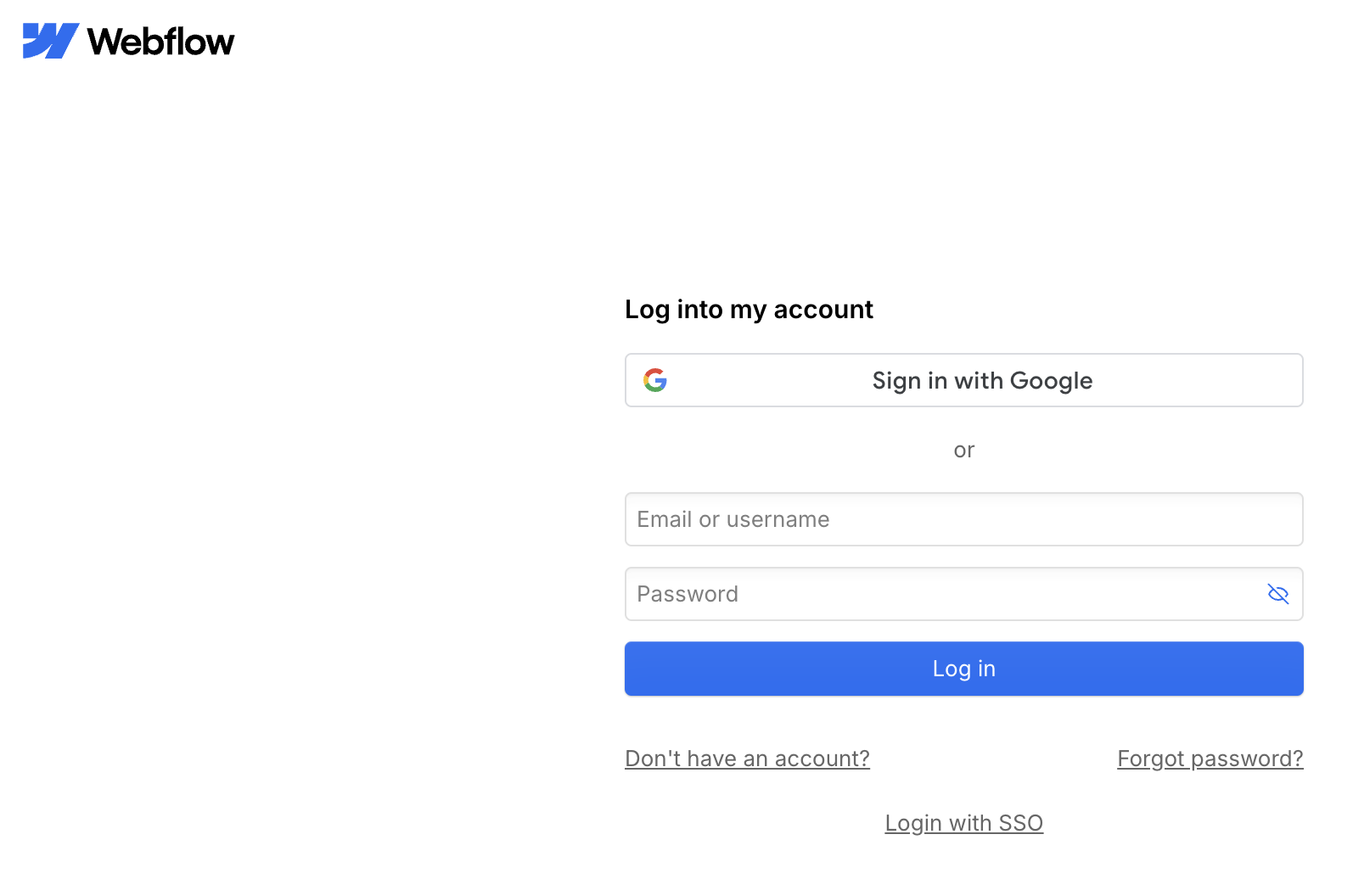
Enter username and password.

[![image.png](https://hwiki.simmy.org/uploads/images/gallery/2024-09/scaled-1680-/tusimage.png)](https://hwiki.simmy.org/uploads/images/gallery/2024-09/tusimage.png)
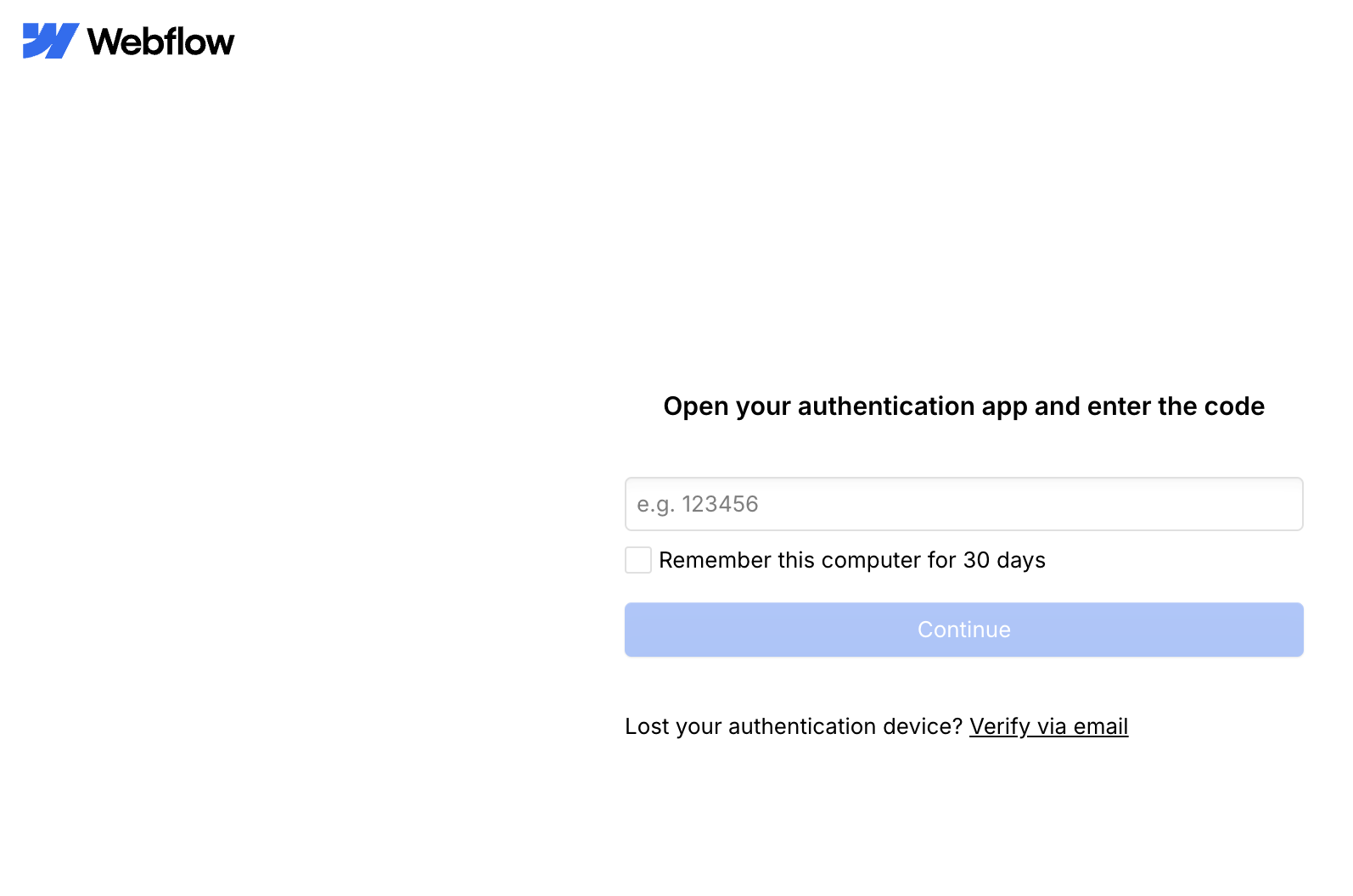
Enter your TOTP Token.

<div class="pb-2.5 flex flex-col justify-between w-full flex-auto overflow-auto h-0 max-w-full z-10 scrollbar-hidden " id="bkmrk-after-logging-in%2C-yo"><div class="h-full w-full flex flex-col pt-2 pb-4"><div class="h-full flex"><div class="w-full pt-2"><div class="w-full  pb-12"><div class="flex flex-col justify-between px-5 mb-3 max-w-5xl mx-auto rounded-lg group"><div class="flex w-full message-b30b26e7-1eff-47d1-8981-f5f42aa5f193 svelte-1u5gq5j"><div class="w-full overflow-hidden pl-1"><div class="chat-assistant w-full min-w-full markdown-prose svelte-1u5gq5j"><div class="w-full flex flex-col">- After logging in, you will be directed to the dashboard.
- The dashboard provides an overview of all pages in your project.

</div></div></div></div></div></div></div></div></div></div>## 2. Page Settings

<div class="pb-2.5 flex flex-col justify-between w-full flex-auto overflow-auto h-0 max-w-full z-10 scrollbar-hidden " id="bkmrk-navigate-to-%22setting"><div class="h-full w-full flex flex-col pt-2 pb-4"><div class="h-full flex"><div class="w-full pt-2"><div class="w-full  pb-12"><div class="flex flex-col justify-between px-5 mb-3 max-w-5xl mx-auto rounded-lg group"><div class="flex w-full message-b30b26e7-1eff-47d1-8981-f5f42aa5f193 svelte-1u5gq5j"><div class="w-full overflow-hidden pl-1"><div><div class="chat-assistant w-full min-w-full markdown-prose svelte-1u5gq5j"><div><div class="w-full flex flex-col">- Navigate to "Settings" for each page.
- Here you can make important settings: 
    - SEO settings (title, meta tags)
    - OpenGraph info (images for sharing)

</div></div></div></div></div></div></div></div></div></div></div></div>## 3. Designer

<div class="pb-2.5 flex flex-col justify-between w-full flex-auto overflow-auto h-0 max-w-full z-10 scrollbar-hidden " id="bkmrk-click-on-%22designer%22-"><div class="h-full w-full flex flex-col pt-2 pb-4"><div class="h-full flex"><div class="w-full pt-2"><div class="w-full  pb-12"><div class="flex flex-col justify-between px-5 mb-3 max-w-5xl mx-auto rounded-lg group"><div class="flex w-full message-b30b26e7-1eff-47d1-8981-f5f42aa5f193 svelte-1u5gq5j"><div class="w-full overflow-hidden pl-1"><div><div class="chat-assistant w-full min-w-full markdown-prose svelte-1u5gq5j"><div><div class="w-full flex flex-col">- Click on "Designer" to enter the editing mode.
- In the designer, you can visually edit pages and manage content from static pages.

</div></div></div></div></div></div></div></div></div></div></div></div>### 3.1 Design Options

<div class="pb-2.5 flex flex-col justify-between w-full flex-auto overflow-auto h-0 max-w-full z-10 scrollbar-hidden " id="bkmrk-various-design-optio"><div class="h-full w-full flex flex-col pt-2 pb-4"><div class="h-full flex"><div class="w-full pt-2"><div class="w-full  pb-12"><div class="flex flex-col justify-between px-5 mb-3 max-w-5xl mx-auto rounded-lg group"><div class="flex w-full message-b30b26e7-1eff-47d1-8981-f5f42aa5f193 svelte-1u5gq5j"><div class="w-full overflow-hidden pl-1"><div><div class="chat-assistant w-full min-w-full markdown-prose svelte-1u5gq5j"><div><div class="w-full flex flex-col">- Various design options are available.
- Tip: Group related elements in boxes for structural changes.

</div></div></div></div></div></div></div></div></div></div></div></div>### 3.2 Components

<div class="pb-2.5 flex flex-col justify-between w-full flex-auto overflow-auto h-0 max-w-full z-10 scrollbar-hidden " id="bkmrk-pre-built-elements-l"><div class="h-full w-full flex flex-col pt-2 pb-4"><div class="h-full flex"><div class="w-full pt-2"><div class="w-full  pb-12"><div class="flex flex-col justify-between px-5 mb-3 max-w-5xl mx-auto rounded-lg group"><div class="flex w-full message-b30b26e7-1eff-47d1-8981-f5f42aa5f193 svelte-1u5gq5j"><div class="w-full overflow-hidden pl-1"><div><div class="chat-assistant w-full min-w-full markdown-prose svelte-1u5gq5j"><div><div class="w-full flex flex-col">- Pre-built elements like banners or navigation bars can be found here.

</div></div></div></div></div></div></div></div></div></div></div></div>### 3.3 Variables

<div class="pb-2.5 flex flex-col justify-between w-full flex-auto overflow-auto h-0 max-w-full z-10 scrollbar-hidden " id="bkmrk-define-global-color-"><div class="h-full w-full flex flex-col pt-2 pb-4"><div class="h-full flex"><div class="w-full pt-2"><div class="w-full  pb-12"><div class="flex flex-col justify-between px-5 mb-3 max-w-5xl mx-auto rounded-lg group"><div class="flex w-full message-b30b26e7-1eff-47d1-8981-f5f42aa5f193 svelte-1u5gq5j"><div class="w-full overflow-hidden pl-1"><div><div class="chat-assistant w-full min-w-full markdown-prose svelte-1u5gq5j"><div><div class="w-full flex flex-col">- Define global color schemes here.

</div></div></div></div></div></div></div></div></div></div></div></div>### 3.4 Style Selectors

<div class="pb-2.5 flex flex-col justify-between w-full flex-auto overflow-auto h-0 max-w-full z-10 scrollbar-hidden " id="bkmrk-useful-for-developme"><div class="h-full w-full flex flex-col pt-2 pb-4"><div class="h-full flex"><div class="w-full pt-2"><div class="w-full  pb-12"><div class="flex flex-col justify-between px-5 mb-3 max-w-5xl mx-auto rounded-lg group"><div class="flex w-full message-b30b26e7-1eff-47d1-8981-f5f42aa5f193 svelte-1u5gq5j"><div class="w-full overflow-hidden pl-1"><div><div class="chat-assistant w-full min-w-full markdown-prose svelte-1u5gq5j"><div><div class="w-full flex flex-col">- Useful for development and styling.

</div></div></div></div></div></div></div></div></div></div></div></div>### 3.5 Images

<div class="pb-2.5 flex flex-col justify-between w-full flex-auto overflow-auto h-0 max-w-full z-10 scrollbar-hidden " id="bkmrk-manage-all-images-on"><div class="h-full w-full flex flex-col pt-2 pb-4"><div class="h-full flex"><div class="w-full pt-2"><div class="w-full  pb-12"><div class="flex flex-col justify-between px-5 mb-3 max-w-5xl mx-auto rounded-lg group"><div class="flex w-full message-b30b26e7-1eff-47d1-8981-f5f42aa5f193 svelte-1u5gq5j"><div class="w-full overflow-hidden pl-1"><div><div class="chat-assistant w-full min-w-full markdown-prose svelte-1u5gq5j"><div><div class="w-full flex flex-col">- Manage all images on your website from here.

</div></div></div></div></div></div></div></div></div></div></div></div>## 4. CMS Functions

<div class="pb-2.5 flex flex-col justify-between w-full flex-auto overflow-auto h-0 max-w-full z-10 scrollbar-hidden " id="bkmrk-click-on-the-%22cms%22-t"><div class="h-full w-full flex flex-col pt-2 pb-4"><div class="h-full flex"><div class="w-full pt-2"><div class="w-full  pb-12"><div class="flex flex-col justify-between px-5 mb-3 max-w-5xl mx-auto rounded-lg group"><div class="flex w-full message-b30b26e7-1eff-47d1-8981-f5f42aa5f193 svelte-1u5gq5j"><div class="w-full overflow-hidden pl-1"><div><div class="chat-assistant w-full min-w-full markdown-prose svelte-1u5gq5j"><div><div class="w-full flex flex-col">- Click on the "CMS" tab.
- Here you can manage dynamic content like events, news, etc.

</div></div></div></div></div></div></div></div></div></div></div></div>### 4.1 Collections

<div class="pb-2.5 flex flex-col justify-between w-full flex-auto overflow-auto h-0 max-w-full z-10 scrollbar-hidden " id="bkmrk-each-collection-%28e.g"><div class="h-full w-full flex flex-col pt-2 pb-4"><div class="h-full flex"><div class="w-full pt-2"><div class="w-full  pb-12"><div class="flex flex-col justify-between px-5 mb-3 max-w-5xl mx-auto rounded-lg group"><div class="flex w-full message-b30b26e7-1eff-47d1-8981-f5f42aa5f193 svelte-1u5gq5j"><div class="w-full overflow-hidden pl-1"><div><div class="chat-assistant w-full min-w-full markdown-prose svelte-1u5gq5j"><div><div class="w-full flex flex-col">- Each collection (e.g., News, Events) has its own data structure.
- Click on a collection to view and edit its entries.

</div></div></div></div></div></div></div></div></div></div></div></div>### 4.2 Creating and Editing Items

<div class="pb-2.5 flex flex-col justify-between w-full flex-auto overflow-auto h-0 max-w-full z-10 scrollbar-hidden " id="bkmrk-select-a-collection."><div class="h-full w-full flex flex-col pt-2 pb-4"><div class="h-full flex"><div class="w-full pt-2"><div class="w-full  pb-12"><div class="flex flex-col justify-between px-5 mb-3 max-w-5xl mx-auto rounded-lg group"><div class="flex w-full message-b30b26e7-1eff-47d1-8981-f5f42aa5f193 svelte-1u5gq5j"><div class="w-full overflow-hidden pl-1"><div><div class="chat-assistant w-full min-w-full markdown-prose svelte-1u5gq5j"><div><div class="w-full flex flex-col">- Select a collection.
- Click on "New Item" or an existing item.
- Fill in the fields: 
    - Title
    - Slug (URL)
    - Date
    - Content
    - Images
    - etc.

</div></div></div></div></div></div></div></div></div></div></div></div>### 4.3 Text Formatting

<div class="pb-2.5 flex flex-col justify-between w-full flex-auto overflow-auto h-0 max-w-full z-10 scrollbar-hidden " id="bkmrk-double-click-on-text"><div class="h-full w-full flex flex-col pt-2 pb-4"><div class="h-full flex"><div class="w-full pt-2"><div class="w-full  pb-12"><div class="flex flex-col justify-between px-5 mb-3 max-w-5xl mx-auto rounded-lg group"><div class="flex w-full message-b30b26e7-1eff-47d1-8981-f5f42aa5f193 svelte-1u5gq5j"><div class="w-full overflow-hidden pl-1"><div><div class="chat-assistant w-full min-w-full markdown-prose svelte-1u5gq5j"><div><div class="w-full flex flex-col">- Double-click on text fields for formatting options.
- Available options: Bold, Italic, Headings, etc.

</div></div></div></div></div></div></div></div></div></div></div></div>### 4.4 Image Upload

<div class="pb-2.5 flex flex-col justify-between w-full flex-auto overflow-auto h-0 max-w-full z-10 scrollbar-hidden " id="bkmrk-upload-images-in-the"><div class="h-full w-full flex flex-col pt-2 pb-4"><div class="h-full flex"><div class="w-full pt-2"><div class="w-full  pb-12"><div class="flex flex-col justify-between px-5 mb-3 max-w-5xl mx-auto rounded-lg group"><div class="flex w-full message-b30b26e7-1eff-47d1-8981-f5f42aa5f193 svelte-1u5gq5j"><div class="w-full overflow-hidden pl-1"><div><div class="chat-assistant w-full min-w-full markdown-prose svelte-1u5gq5j"><div><div class="w-full flex flex-col">- Upload images in the specified sizes.
- Tip: Prepare images in the correct dimensions before uploading.

</div></div></div></div></div></div></div></div></div></div></div></div>## 5. Multilingual Support

<div class="pb-2.5 flex flex-col justify-between w-full flex-auto overflow-auto h-0 max-w-full z-10 scrollbar-hidden " id="bkmrk-webflow-supports-mul"><div class="h-full w-full flex flex-col pt-2 pb-4"><div class="h-full flex"><div class="w-full pt-2"><div class="w-full  pb-12"><div class="flex flex-col justify-between px-5 mb-3 max-w-5xl mx-auto rounded-lg group"><div class="flex w-full message-b30b26e7-1eff-47d1-8981-f5f42aa5f193 svelte-1u5gq5j"><div class="w-full overflow-hidden pl-1"><div><div class="chat-assistant w-full min-w-full markdown-prose svelte-1u5gq5j"><div><div class="w-full flex flex-col">- Webflow supports multilingual websites.
- Note that images with text may need to be created separately for each language.

</div></div></div></div></div></div></div></div></div></div></div></div>## 6. Video Integration

<div class="pb-2.5 flex flex-col justify-between w-full flex-auto overflow-auto h-0 max-w-full z-10 scrollbar-hidden " id="bkmrk-go-to-%22video-resourc"><div class="h-full w-full flex flex-col pt-2 pb-4"><div class="h-full flex"><div class="w-full pt-2"><div class="w-full  pb-12"><div class="flex flex-col justify-between px-5 mb-3 max-w-5xl mx-auto rounded-lg group"><div class="flex w-full message-b30b26e7-1eff-47d1-8981-f5f42aa5f193 svelte-1u5gq5j"><div class="w-full overflow-hidden pl-1"><div><div class="chat-assistant w-full min-w-full markdown-prose svelte-1u5gq5j"><div><div class="w-full flex flex-col">- Go to "Video Resources".
- Add the video link (supports YouTube, Vimeo, etc.).
- Webflow will automatically embed the video.

</div></div></div></div></div></div></div></div></div></div></div></div>## 7. Customizing Fields

<div class="pb-2.5 flex flex-col justify-between w-full flex-auto overflow-auto h-0 max-w-full z-10 scrollbar-hidden " id="bkmrk-click-on-the-gear-ic"><div class="h-full w-full flex flex-col pt-2 pb-4"><div class="h-full flex"><div class="w-full pt-2"><div class="w-full  pb-12"><div class="flex flex-col justify-between px-5 mb-3 max-w-5xl mx-auto rounded-lg group"><div class="flex w-full message-b30b26e7-1eff-47d1-8981-f5f42aa5f193 svelte-1u5gq5j"><div class="w-full overflow-hidden pl-1"><div><div class="chat-assistant w-full min-w-full markdown-prose svelte-1u5gq5j"><div><div class="w-full flex flex-col">- Click on the gear icon next to a field.
- Select "Custom Fields".
- Here you can add or change options (e.g., for categories).

</div></div></div></div></div></div></div></div></div></div></div></div>## 8. Publishing

<div class="pb-2.5 flex flex-col justify-between w-full flex-auto overflow-auto h-0 max-w-full z-10 scrollbar-hidden " id="bkmrk-click-on-%22publish%22-i"><div class="h-full w-full flex flex-col pt-2 pb-4"><div class="h-full flex"><div class="w-full pt-2"><div class="w-full  pb-12"><div class="flex flex-col justify-between px-5 mb-3 max-w-5xl mx-auto rounded-lg group"><div class="flex w-full message-b30b26e7-1eff-47d1-8981-f5f42aa5f193 svelte-1u5gq5j"><div class="w-full overflow-hidden pl-1"><div><div class="chat-assistant w-full min-w-full markdown-prose svelte-1u5gq5j"><div><div class="w-full flex flex-col">- Click on "Publish" if you want to go live with your changes.
- Choose between Staging and Production.
- Click on "Publish to selected domains".

</div></div></div></div></div></div></div></div></div></div></div></div>## 9. SEO and Social Media Optimization

### 9.1 SEO Settings

<div class="pb-2.5 flex flex-col justify-between w-full flex-auto overflow-auto h-0 max-w-full z-10 scrollbar-hidden " id="bkmrk-go-to-page-settings."><div class="h-full w-full flex flex-col pt-2 pb-4"><div class="h-full flex"><div class="w-full pt-2"><div class="w-full  pb-12"><div class="flex flex-col justify-between px-5 mb-3 max-w-5xl mx-auto rounded-lg group"><div class="flex w-full message-b30b26e7-1eff-47d1-8981-f5f42aa5f193 svelte-1u5gq5j"><div class="w-full overflow-hidden pl-1"><div><div class="chat-assistant w-full min-w-full markdown-prose svelte-1u5gq5j"><div><div class="w-full flex flex-col">- Go to page settings.
- Fill out the SEO fields (title, description).

</div></div></div></div></div></div></div></div></div></div></div></div>### 9.2 Open Graph Settings

<div class="pb-2.5 flex flex-col justify-between w-full flex-auto overflow-auto h-0 max-w-full z-10 scrollbar-hidden " id="bkmrk-configure-open-graph"><div class="h-full w-full flex flex-col pt-2 pb-4"><div class="h-full flex"><div class="w-full pt-2"><div class="w-full  pb-12"><div class="flex flex-col justify-between px-5 mb-3 max-w-5xl mx-auto rounded-lg group"><div class="flex w-full message-b30b26e7-1eff-47d1-8981-f5f42aa5f193 svelte-1u5gq5j"><div class="w-full overflow-hidden pl-1"><div><div class="chat-assistant w-full min-w-full markdown-prose svelte-1u5gq5j"><div><div class="w-full flex flex-col">- Configure Open Graph settings for better sharing on social media.
- Upload a specific image for social media shares.

</div></div></div></div></div></div></div></div></div></div></div></div>### 9.3 Testing

<div class="pb-2.5 flex flex-col justify-between w-full flex-auto overflow-auto h-0 max-w-full z-10 scrollbar-hidden " id="bkmrk-use-tools-like-the-%22"><div class="h-full w-full flex flex-col pt-2 pb-4"><div class="h-full flex"><div class="w-full pt-2"><div class="w-full  pb-12"><div class="flex flex-col justify-between px-5 mb-3 max-w-5xl mx-auto rounded-lg group"><div class="flex w-full message-b30b26e7-1eff-47d1-8981-f5f42aa5f193 svelte-1u5gq5j"><div class="w-full overflow-hidden pl-1"><div><div class="chat-assistant w-full min-w-full markdown-prose svelte-1u5gq5j"><div><div class="w-full flex flex-col">- Use tools like the "Facebook Sharing Debugger" to test your social media preview: [https://developers.facebook.com/tools/debug/](https://developers.facebook.com/tools/debug/)

</div></div></div></div></div></div></div></div></div></div></div></div>## Tips and Tricks

<div class="pb-2.5 flex flex-col justify-between w-full flex-auto overflow-auto h-0 max-w-full z-10 scrollbar-hidden " id="bkmrk-utilize-the-staging-"><div class="h-full w-full flex flex-col pt-2 pb-4"><div class="h-full flex"><div class="w-full pt-2"><div class="w-full  pb-12"><div class="flex flex-col justify-between px-5 mb-3 max-w-5xl mx-auto rounded-lg group"><div class="flex w-full message-b30b26e7-1eff-47d1-8981-f5f42aa5f193 svelte-1u5gq5j" id="bkmrk-utilize-the-staging--1"><div class="w-full overflow-hidden pl-1"><div><div class="chat-assistant w-full min-w-full markdown-prose svelte-1u5gq5j"><div><div class="w-full flex flex-col">- Utilize the staging environment to test changes before publishing them.
- Ensure consistent image sizes for a uniform design.
- Regularly check your SEO and Open Graph settings for optimal visibility.

</div></div></div><div class="flex justify-start overflow-x-auto buttons text-gray-600 dark:text-gray-500 mt-0.5 svelte-1u5gq5j"><div aria-label="Edit" class="flex"><button class="visible p-1.5 hover:bg-black/5 dark:hover:bg-white/5 rounded-lg dark:hover:text-white hover:text-black transition"><svg class="w-4 h-4" fill="none" stroke="currentColor" stroke-width="2.3" viewbox="0 0 24 24" xmlns="http://www.w3.org/2000/svg"></svg></button>  
</div><div aria-label="Copy" class="flex"><button class="visible p-1.5 hover:bg-black/5 dark:hover:bg-white/5 rounded-lg dark:hover:text-white hover:text-black transition copy-response-button"><svg class="w-4 h-4" fill="none" stroke="currentColor" stroke-width="2.3" viewbox="0 0 24 24" xmlns="http://www.w3.org/2000/svg"></svg></button>  
</div><div aria-label="Read Aloud" class="flex"><button class="visible p-1.5 hover:bg-black/5 dark:hover:bg-white/5 rounded-lg dark:hover:text-white hover:text-black transition" id="bkmrk--2"><svg class="w-4 h-4" fill="none" stroke="currentColor" stroke-width="2.3" viewbox="0 0 24 24" xmlns="http://www.w3.org/2000/svg"></svg></button>  
</div><div aria-label="Good Response" class="flex"><button class="visible p-1.5 hover:bg-black/5 dark:hover:bg-white/5 rounded-lg  dark:hover:text-white hover:text-black transition"><svg class="w-4 h-4" fill="none" stroke="currentColor" stroke-linecap="round" stroke-linejoin="round" stroke-width="2.3" viewbox="0 0 24 24" xmlns="http://www.w3.org/2000/svg"></svg></button>  
</div><div aria-label="Bad Response" class="flex"><button class="visible p-1.5 hover:bg-black/5 dark:hover:bg-white/5 rounded-lg  dark:hover:text-white hover:text-black transition"><svg class="w-4 h-4" fill="none" stroke="currentColor" stroke-linecap="round" stroke-linejoin="round" stroke-width="2.3" viewbox="0 0 24 24" xmlns="http://www.w3.org/2000/svg"></svg></button>  
</div><div aria-label="Continue Response" class="flex"><button class="visible p-1.5 hover:bg-black/5 dark:hover:bg-white/5 rounded-lg dark:hover:text-white hover:text-black transition regenerate-response-button" id="bkmrk--3" type="button"><svg class="w-4 h-4" fill="none" stroke="currentColor" stroke-width="2.3" viewbox="0 0 24 24" xmlns="http://www.w3.org/2000/svg"></svg></button>  
</div><div aria-label="Regenerate" class="flex"><button class="visible p-1.5 hover:bg-black/5 dark:hover:bg-white/5 rounded-lg dark:hover:text-white hover:text-black transition regenerate-response-button" type="button"><svg class="w-4 h-4" fill="none" stroke="currentColor" stroke-width="2.3" viewbox="0 0 24 24" xmlns="http://www.w3.org/2000/svg"></svg></button>  
</div></div></div></div></div></div></div></div></div></div></div><div class="" id="bkmrk--4"><div class="w-full font-primary"><div class="-mb-0.5 mx-auto inset-x-0 bg-transparent flex justify-center"><div class="flex flex-col max-w-6xl px-2.5 md:px-6 w-full"><div class="relative">  
</div><div class="w-full relative">  
</div></div></div><div class="bg-white dark:bg-gray-900"><div class="max-w-6xl px-2.5 md:px-6 mx-auto inset-x-0"><div class="pb-2"><form class="w-full flex gap-1.5"><div class="flex-1 flex flex-col relative w-full rounded-3xl px-1.5 bg-gray-50 dark:bg-gray-850 dark:text-gray-100" dir="LTR"><div class="flex"><div class="ml-0.5 self-end mb-1.5 flex space-x-1"></div></div></div></form></div></div></div></div></div>